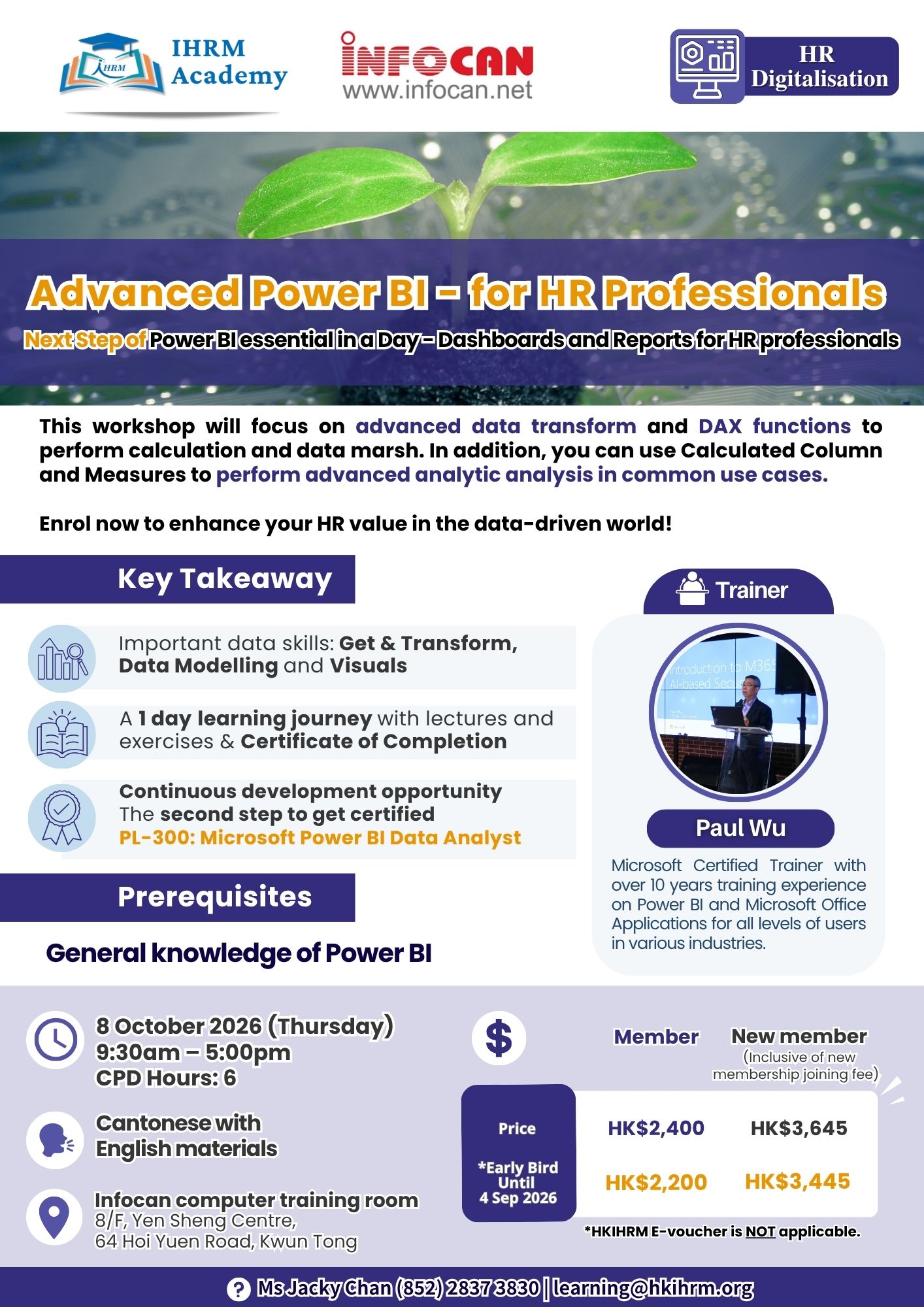
This workshop will focus on advanced data transform advanced data transform and and DAX functions DAX functions to to perform calculation and data marsh. In addition, you can use Calculated Column perform calculation and data marsh. In addition, you can use Calculated Column and Measures to and Measures to perform advanced analytic analysis in common use cases. perform advanced analytic analysis in common use cases.
Enrol now to enhance your HR value in the data-driven world!
Upon completion of this course, participants will be able to:
- Use Power Query to combine text/Excel files in folder
- Extract keys, use date/time locale, and unpivot data
- Handle multiple relationship and parent/child hierarchies
- Describe evaluation contexts for calculation
- Use advanced expressions to perform aggregating and comparing data over time
- Design data model and calculation in different use case scenarios
Combine Source Data in Power Query
- Append or Merge Queries
- Write M in the Query Editor
- Load Multiple Excel files by Functions
Advanced Data Transform Data
- Extract key by Split Column
- Convert Date & Time Column
- Unpivot Cross Tab Table
Advanced PowerPivot Data Modelling
- Manipulate Tables and column
- Create a Time Table
- Use advanced relationships
- Understand hierarchies
- Use parent/child hierarchies
DAX Functions
- Recap filter context and CALCULATE function
- Recap Calculated Columns and Calculated Measures
- Use DATE, STATISTICAL, VALUES, LOGICAL and INFORMATION, and TEXT Functions
Understand evaluation contexts and CALCULATE
- Filter a single column
- Filter with complex conditions
- Use TIME INTELLIGENCE functions
- Use OPENINGBALANCE and CLOSINGBALANCE functions
- Use inactive relationship
Power BI Analytic cases for HR
- Create Calculated Measures
- Performance Management trends
- Compensation & Benefits variances
- Training metrics
Enhanced User Experience
- Configuring Drill Through
- Configuring conditional formatting
- Using Bookmarks and Parameters