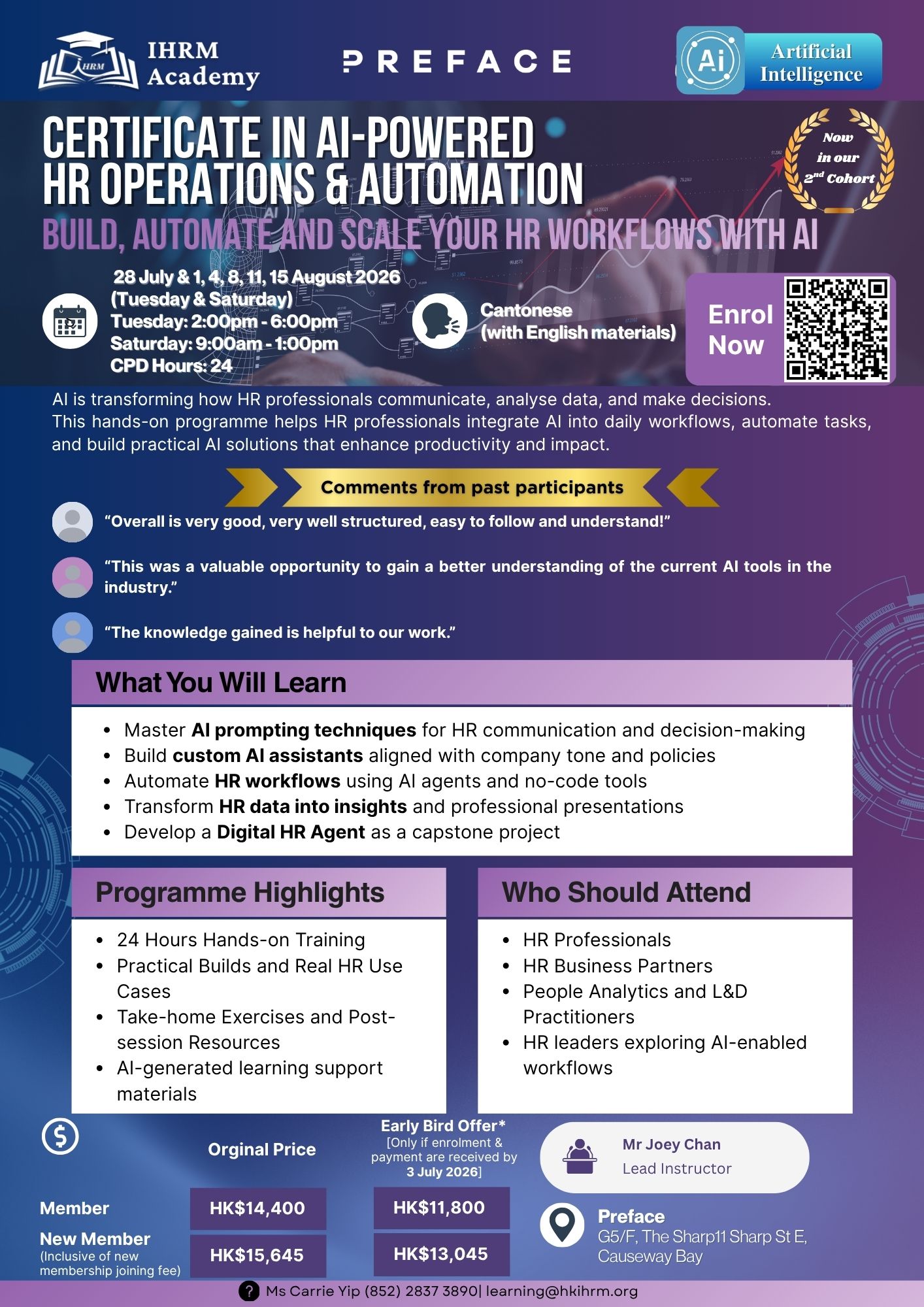
This hands-on programme helps HR professionals integrate AI into daily workflows, automate tasks, and build practical AI solutions that enhance productivity and impact.
AI is transforming how HR professionals communicate, analyse data, and make decisions.
What You Will Learn
- Master AI prompting techniques for HR communication and decision-making
- Build custom AI assistants aligned with company tone and policies
- Automate HR workflows using AI agents and no-code tools
- Transform HR data into insights and professional presentations
- Develop a Digital HR Agent as a capstone project
Programme Highlights
- 24 Hours Hands-on Training
- Practical Builds and Real HR Use Cases
- Take-home Exercises and Post-session Resources
- AI-generated learning support materials
Who Should Attend
- HR Professionals
- HR Business Partners
- People Analytics and L&D Practitioners
- HR leaders exploring AI-enabled workflows
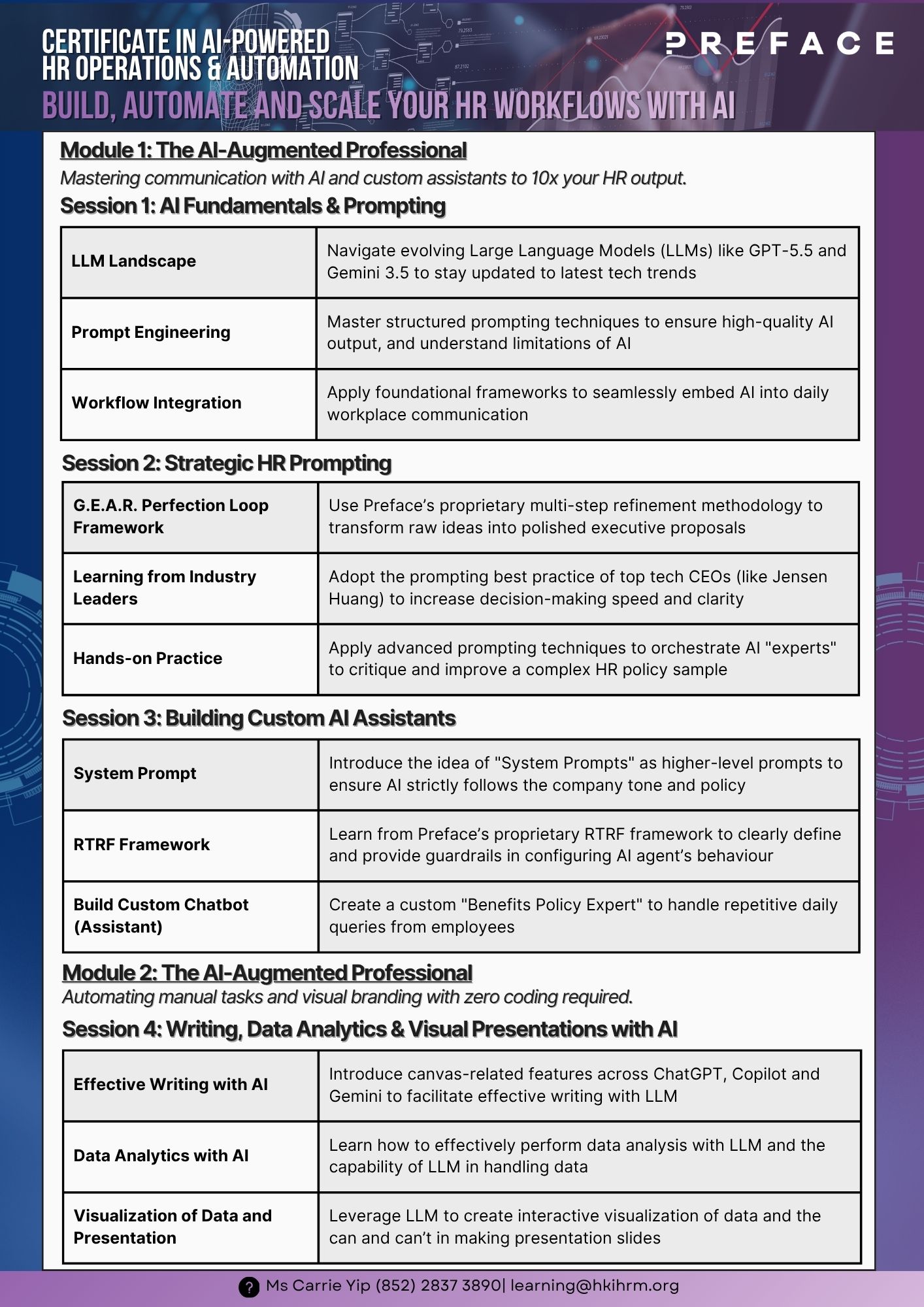
Module 1: The AI-Augmented Professional
Mastering communication with AI and custom assistants to 10x your HR output.
Session 1: AI Fundamentals & Prompting
LLM Landscape: Navigate evolving Large Language Models (LLMs) like GPT-5.5 and Gemini 3.5 to stay updated to latest tech trends
Prompt Engineering: Master structured prompting techniques to ensure high-quality AI output, and understand limitations of AI
Workflow Integration: Apply foundational frameworks to seamlessly embed AI into
daily workplace communication
Session 2: Strategic HR Prompting
G.E.A.R. Perfection Loop Framework: Use Preface’s proprietary multi-step refinement methodology to transform raw ideas into polished executive proposals.
Learning from Industry Leaders: Adopt the prompting best practice of top tech CEOs (like Jensen Huang) to increase decision-making speed and clarity.
Hands-on Practice: Apply advanced prompting techniques to orchestrate AI “experts” to critique and improve a complex HR policy sample.
Session 3: Building Custom AI Assistants
System Prompt: Introduce the idea of “System Prompts” as higher-level prompts to ensure AI strictly follows the company tone and policy.
RTRF Framework: Learn from Preface’s proprietary RTRF framework to clearly define and provide guardrails in configuring AI agent’s behaviour.
Build Custom Chatbot (Assistant): Create a custom “Benefits Policy Expert” to handle repetitive daily queries from employees
Module 2: The AI-Augmented Professional
Automating manual tasks and visual branding with zero coding required.
Session 4: Writing, Data Analytics & Visual Presentations with AI
Effective Writing with AI: Introduce canvas-related features across ChatGPT, Copilot and Gemini to facilitate effective writing with LLM.
Data Analytics with AI: Learn how to effectively perform data analysis with LLM and the capability of LLM in handling data.
Visualization of Data and Presentation: Leverage LLM to create interactive visualization of data and the can and can’t in making presentation slides.
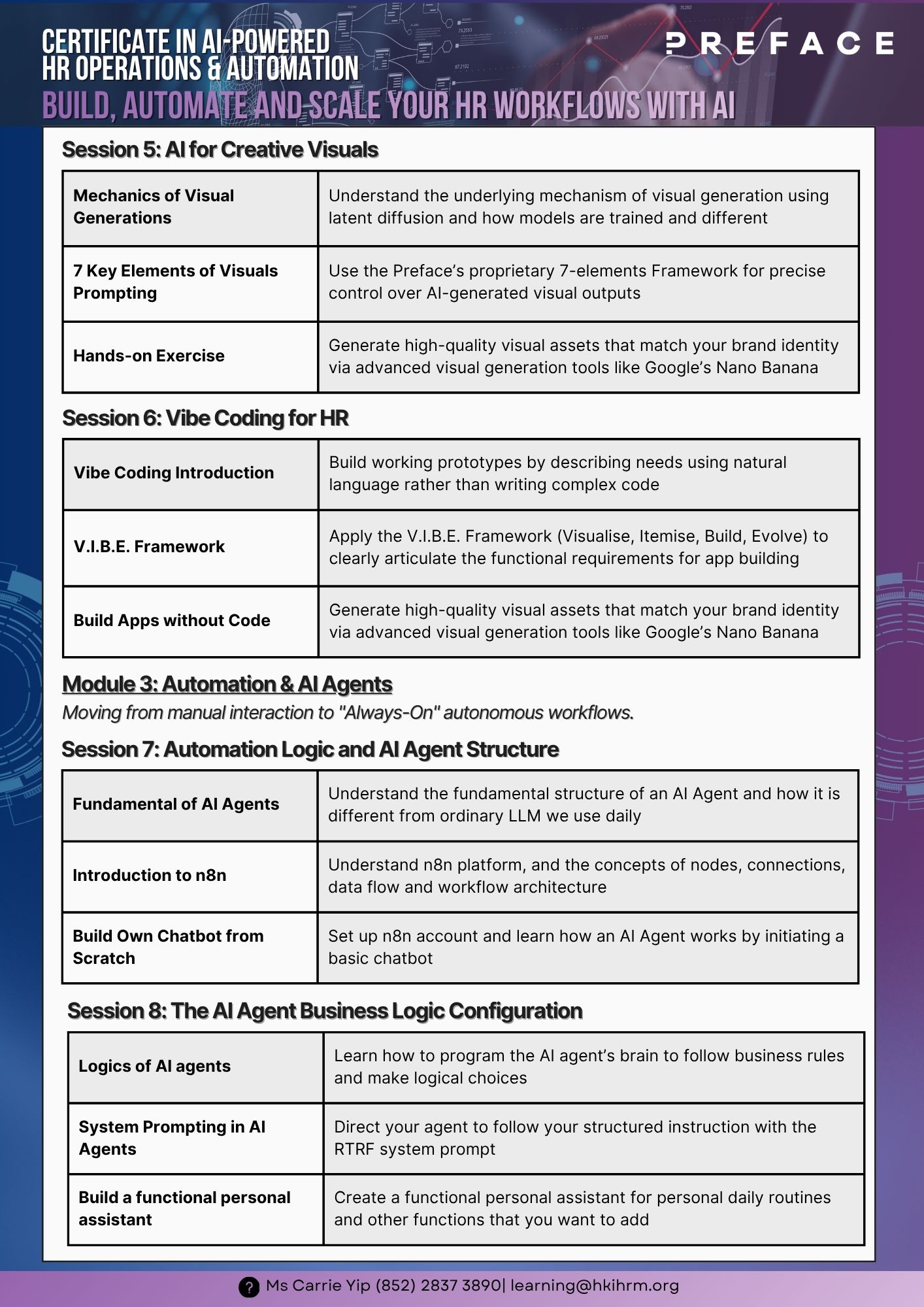
Session 5: AI for Creative Visuals
Mechanics of Visual Generations: Understand the underlying mechanism of visual generation using latent diffusion and how models are trained and different.
7 Key Elements of Visuals Prompting: Use the Preface’s proprietary 7-elements Framework for precise control over AI-generated visual outputs.
Hands-on Exercise: Generate high-quality visual assets that match your brand identity via advanced visual generation tools like Google’s Nano Banana.
Session 6: Vibe Coding for HR
Vibe Coding Introduction: Build working prototypes by describing needs using natural
language rather than writing complex code.
V.I.B.E. Framework: Apply the V.I.B.E. Framework (Visualise, Itemise, Build, Evolve) to clearly articulate the functional requirements for app building.
Build Apps without Code: Generate high-quality visual assets that match your brand identity via advanced visual generation tools like Google’s Nano Banana.
Module 3: Automation & AI Agents
Moving from manual interaction to “Always-On” autonomous workflows.
Session 7: Automation Logic and AI Agent Structure
Fundamental of AI Agents: Understand the fundamental structure of an AI Agent and how it is different from ordinary LLM we use daily.
Introduction to n8n: Understand n8n platform, and the concepts of nodes, connections, data flow and workflow architecture.
Build Own Chatbot from Scratch: Set up n8n account and learn how an AI Agent works by initiating a basic chatbot.
Session 8: The AI Agent Business Logic Configuration
Logics of AI agents: Learn how to program the AI agent’s brain to follow business rules and make logical choices.
System Prompting in AI Agents: Direct your agent to follow your structured instruction with the RTRF system prompt.
Build a functional personal assistant: Create a functional personal assistant for personal daily routines and other functions that you want to add.
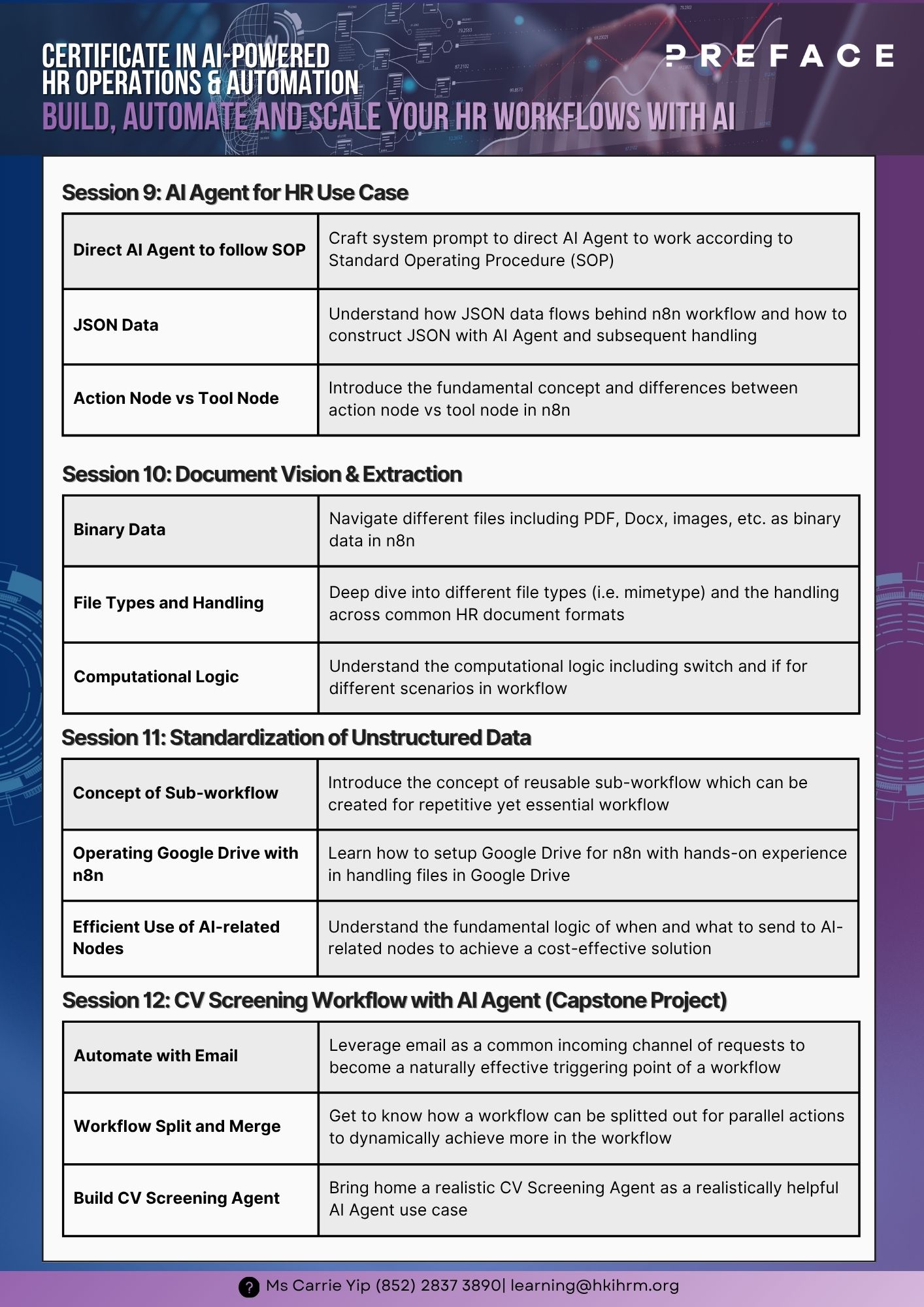
Session 9: AI Agent for HR Use Case
Direct AI Agent to follow SOP: Craft system prompt to direct AI Agent to work according to Standard Operating Procedure (SOP).
JSON Data: Understand how JSON data flows behind n8n workflow and how to construct JSON with AI Agent and subsequent handling.
Action Node vs Tool Node: Introduce the fundamental concept and differences between action node vs tool node in n8n.
Session 10: Document Vision & Extraction
Binary Data: Navigate different files including PDF, Docx, images, etc. as binary data in n8n
File Types and Handling: Deep dive into different file types (i.e. mimetype) and the handling across common HR document formats.
Computational Logic: Understand the computational logic including switch and if for different scenarios in workflow.
Session 11: Standardization of Unstructured Data
Concept of Sub-workflow: Introduce the concept of reusable sub-workflow which can be created for repetitive yet essential workflow.
Operating Google Drive with n8n: Learn how to setup Google Drive for n8n with hands-on experience in handling files in Google Drive.
Efficient Use of AI-related Nodes: Understand the fundamental logic of when and what to send to AI-related nodes to achieve a cost-effective solution.
Session 12: CV Screening Workflow with AI Agent (Capstone Project)
Automate with Email; Leverage email as a common incoming channel of requests to become a naturally effective triggering point of a workflow.
Workflow Split and Merge: Get to know how a workflow can be splitted out for parallel actions to dynamically achieve more in the workflow
Build CV Screening Agent: Bring home a realistic CV Screening Agent as a realistically helpful AI Agent use case.